Build Your Local NFC Card Business
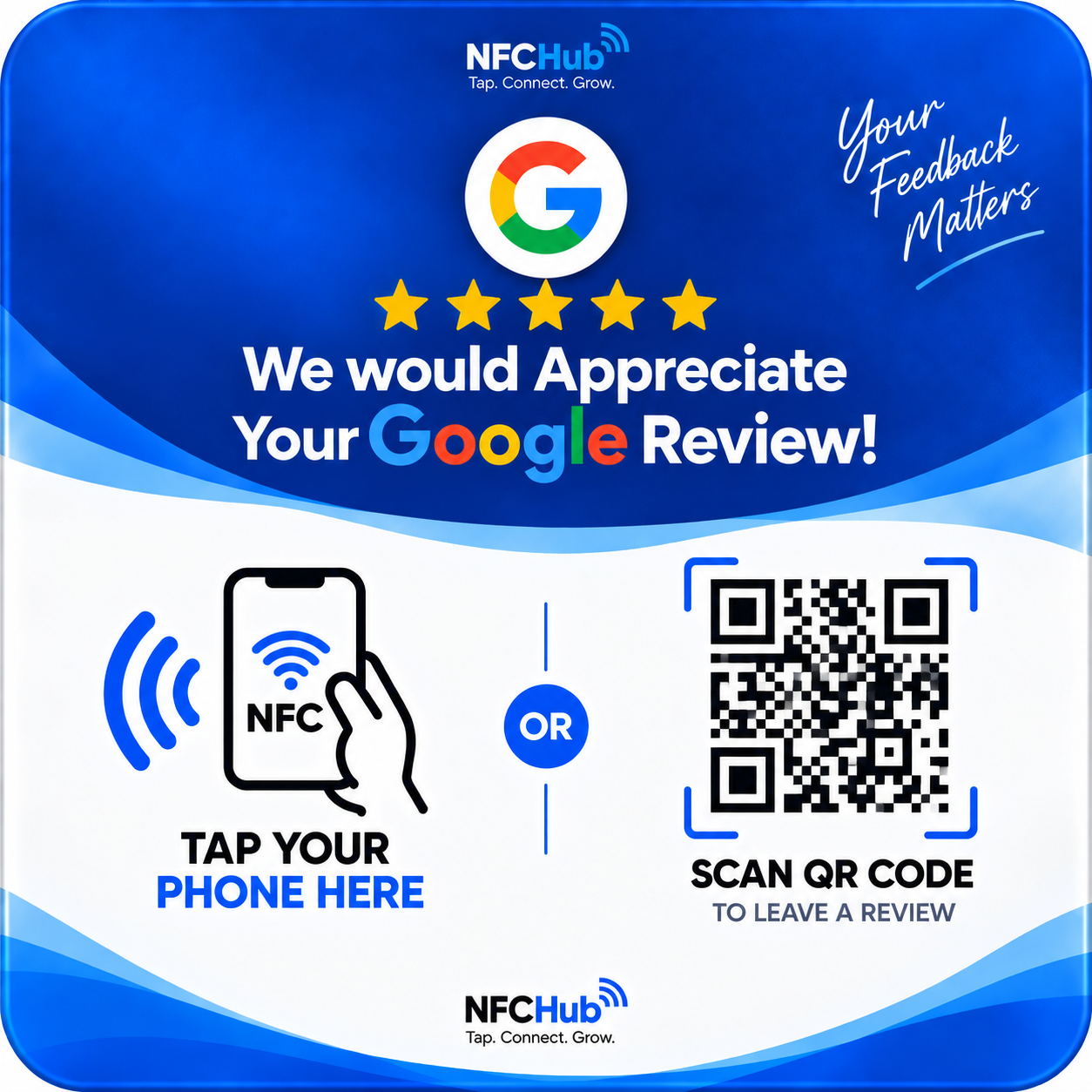
You receive cards. You find businesses. You sell cards. You activate them. The business gives them to customers. Customers tap or scan. They reach the business's Google Review page.
If you already talk to local businesses, you're ready
One physical card, two ways to use it
How QR works
The customer's phone camera reads the printed QR code and opens the destination link — no app required.
How NFC works
Tapping the card against a compatible phone opens the same destination automatically.
How dynamic QR works
The printed code points to an NFCHub URL, not directly to Google. That means the destination behind it can change any time.
How activation works
Enter the card code, business name, and Google Review link. The card goes live in under a minute.
A simple playbook
Approach businesses
Start with businesses you already have a relationship with — clients, local shops you frequent, referrals from other business owners. Reception counters, checkout areas, and salon stations are natural fits.
Demonstrate the product
Carry an activated sample card. Show the owner exactly what a customer will see — tap or scan, straight to a review page, no typing a business name into Google.
Price it
NFCHub doesn't set your price. Consider your card cost, any packaging or stand you provide, and the setup support you offer.
Test before you deliver
Use the Test Card screen in your dashboard to scan the card yourself and confirm it opens the right review page before handing it over.
What business owners might ask
"We already have a QR code for reviews."
Ask if they can change where it points without reprinting. Most static QR codes can't — NFCHub's can, at no extra cost to them.
"Is this just another subscription?"
The card is a one-time purchase from you. There's no reseller subscription required to use NFCHub.
"Will this get us fake reviews?"
No — it simply makes it easier for real customers to find the business's Google Review page. It doesn't generate, filter, or guarantee any reviews.
"What if the business relocates or changes owners?"
The destination can be updated any time — no need to throw away or reprint the card.
Ready to Start Selling?
Ask your supplier for a reseller account, or get in touch if you're starting fresh.